I haven’t owned a computer in ages but used ThinkPads (followed Luke Smith). Now I use old Google Pixel models, flashing LineageOS & Magisk. They’re easy to flash ROMs on & list for cheap on eBay—around $50. Pixel 1 was the last model to have an audio jack, but they seem rare. Personally, I use a Pixel 2. Use a good case & screen protector. Wrapping the phone in tinfoil—at least three layers—blocks most radio signals. Put it in a zip-lock bag to keep moisture out (e.g. when under water).
Old ThinkPads don’t have Intel’s Management Engine, or if present, can be flashed over with Libreboot. On mobile phones, the SIM card is an analogous backdoor, so avoid using one. Use a burner instead. But Pixels isolate the baseband by which the SIM accesses the rest of the hardware, although I’m unsure what model began to do so. Just keep it set to airplane mode.
General advice: Block mic & camera when not being used. Do
the same for mobile data, Wi-Fi, blue-tooth, GPS &c.
Disable internet GPS, USB debugging, &c. Set a lock-screen
password of 8-12 letters/numbers (more is better). Don’t
use a pattern lock. Disable all non-4G/LGE connections (2G,
3G, & 5G): dial *#*#4636#*#*, then select 4G/LGE only for
network.
To disable the rotation pop-up, run via ADB or as root:
settings put secure show_rotation_suggestions 0
To change the screen attributes, run via ADB or as root:
wm size 720x1280	# resolution
wm density 210		# dpi
Operating System & Root
LOS is pretty close to pure vanilla Android. It still has some bloat—namely the cellular provider system apps—as Divested Dev demonstrated. But it supports older devices, & its always good to favor older, usually cheaper priced too, hardware. Most contemporary machines are overdone for basic tasks, & seemingly necessitated by poorly coded software. Minimize the attack surface for optimal performance, best security, & maximum privacy.
Root to de-bloat or otherwise harden the system. Keep the attack surface minimal, i.e. have few apps installed. De-bloat system apps by making a Magisk module to overlay a blank file, or directory, over the system app’s APK. If the device boot-loops, go into safe mode by pressing volume-down while booting (Pixels only it seems). Disables all modules on boot after that. Universal Android Debloater has information on what the different system apps are.
To see where an APK is located, run:
cmd package path app
If you insist on using an app rather than the command line, De-Bloater may be useful.
General Apps
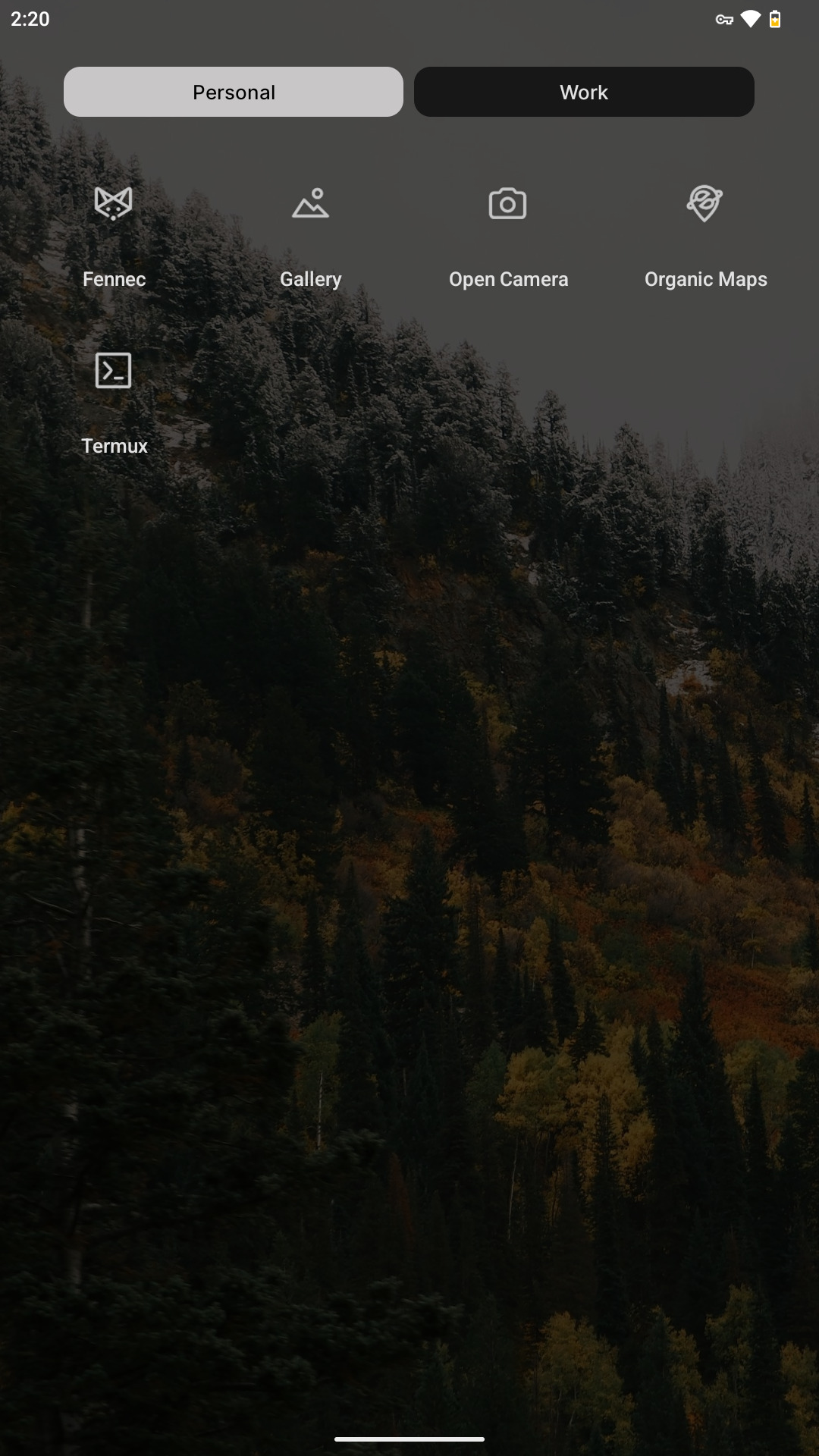
- Termux – Terminal
- Simple Keyboard – Keyboard
- Open Camera – Camera
- Fossify Gallery – Image Viewer
- mpv – Video Player
- MuPDF viewer – Document Viewer
- Orbot – VPN/Proxy
- RiseupVPN – VPN
- Organic Maps – Navigation
I directly download the APKs for apps using a script. Use Obtainium if you want an app manager.
See the browser page for recommended browsers & configs.
Fossify has other apps for phone calling, texting, contacts, alarm clock, &c.
I use Lawnchair for a launcher with Lawnicons, but its purely decorative.
If you must use a proprietary app, quarantine it with Shelter.
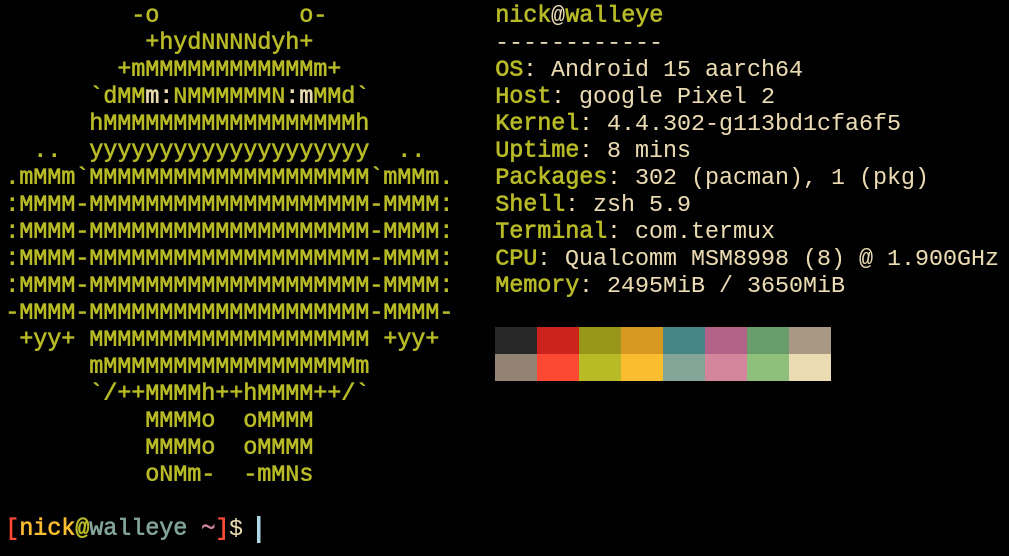
Instead of using KeePassDX, K-9 Mail, QR & Barcode Scanner, LibreTorrent, Read You, &c., use command line programs in Termux. Although, if you can’t (or plain won’t) use the command line, then those may be useful alternatives.
Pacman (the package manager) is installable in Termux. Also install Termux:API so programs can read & set the clipboard or open files in apps &c.
To stop Android from killing Termux, follow this guide
Remember to configure apps to use Tor as proxy:
socks5://localhost:9050
For per-process network monitoring, use nethogs on the terminal (requires root). PCAPdroid is an app which does the same as a VPN without root.
To make backups, in Termux run:
tar -cp /path/to/files | gpg -o output.tar.gpg -r your@email -e
Network
Disable captive portal pings to Google by running via ADB or as root:
settings put global captive_portal_mode 0
settings put global captive_portal_use_https 0
settings put global captive_portal_http_url about:blank
settings put global captive_portal_https_url about:blank
settings put global captive_portal_fallback_url about:blank
settings put global captive_portal_other_fallback_urls about:blank
For NTP:
settings put global ntp_server pool.ntp.org # or `about:blank` to disable
If all your internet traffic is going through Tor, then the
DNS should be resolved at the exit node. This includes apps
connecting through Orbot as a VPN. So don’t set a system
private DNS unless you’re not using Tor. That said, use
Mullvad ( Tor).
Tor).
Termux by default uses Google DNS in its
/etc/resolv.conf. Make sure to change it to blank if
using Tor, or Mullvad.