🐉 WireGuard
For Mullvad, get a config file:
Choose your platform→LinuxGenerate a WireGuard key→Generate keyGenerate and download configuration→Download zip archive
Select a country & city near you. Only one server can be connected to at once.
Import the config file with NetworkManager, replace
wg0 with your file name:
nmcli connection import type wireguard file /etc/wireguard/wg0.conf
See Thomas Haller’s Blog.
🧅 Tor
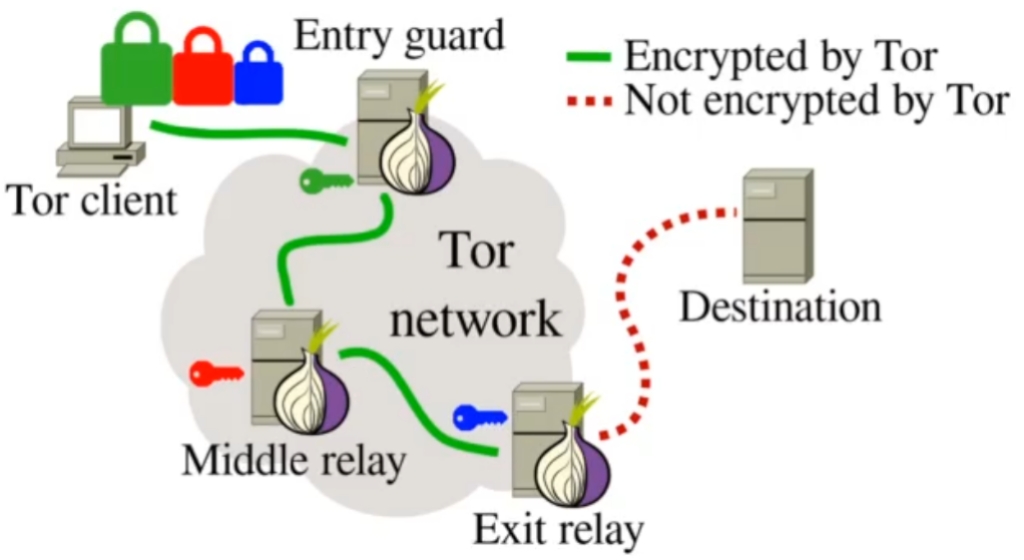
Configure programs& apps to use Tor as the network
proxy: socks5://127.0.0.1:9050.
torsocks can route programs without SOCKS/proxy
support through Tor, e.g. mbsync.
For Android, Orbot can both provide Tor & act as a VPN to route apps without proxy settings. Add its repo to F-Droid:
Settings→Repositories→+→Enter repository URL manually
After installing, set F-Droid to use its onion mirrors:
Settings→Proxy→☑ Use Tor
For iPhone, Orbot is also available on Apple Store.
🧄 I2P
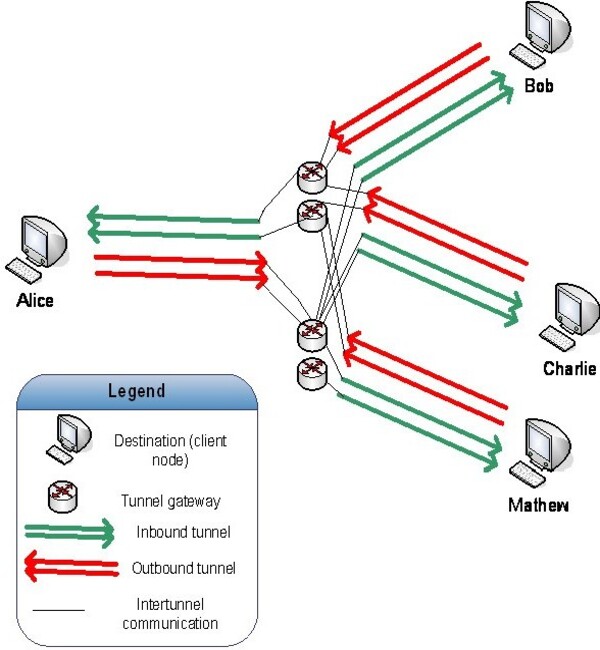
I2Pd should be used: it is written in C++ & works better. It’s also available on F-Droid for Android.
Configure programs & apps to use I2Pd as the network
proxy: socks5://127.0.0.1:4447.
🌱 Yggdrasil
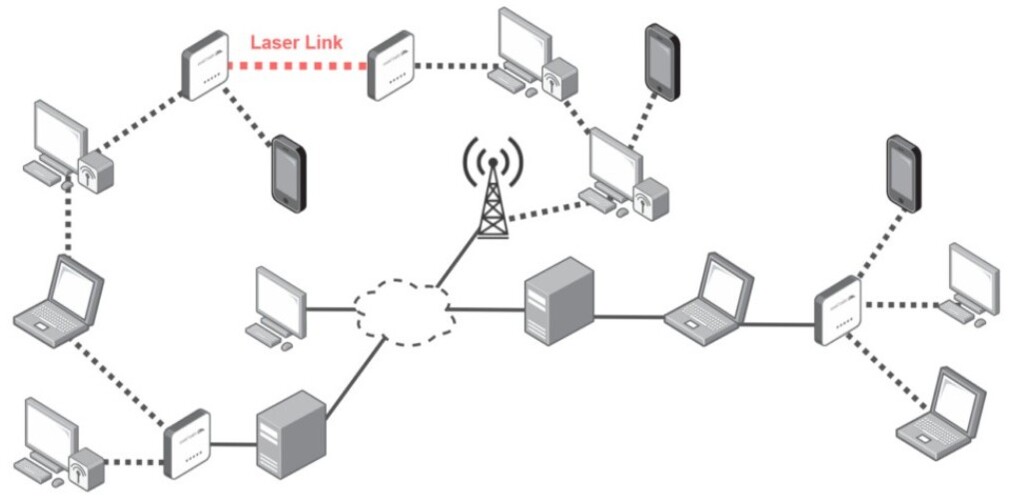
Decentralized & E2EE layer on top of IPv6. Does not anonymize any traffic!
Also available on F-Droid for Android (VPN).
Proxy Environment
Commonly used & standard curl proxy variables to be
put in the shell profile, here for Tor:
export http_proxy="socks5h://127.0.0.1:9050" # Must be lowercase.
export HTTPS_PROXY="$http_proxy"
export FTP_PROXY="$http_proxy"
export FTPS_PROXY="$http_proxy"
export ALL_PROXY="$http_proxy"
export NO_PROXY="127.0.0.1,::1,localhost"
export SOCKS5_PROXY="${http_proxy##*/}" # Lynx SOCKS proxy.
Lynx will try to use the HTTP proxy unless it is unset, so here is a function which may be put in the shell profile:
lynx() { env -u http_proxy lynx "$@" ;}
Further, some additional variables for Syncthing:
export ALL_PROXY_NO_FALLBACK=1 # Syncthing won't connect if proxy fails.
export all_proxy="$http_proxy" # Syncthing requires this to be lowercase.
Remember to read the man page for programs to see its
specific proxy configurations!